

Extract. Backup. Share.
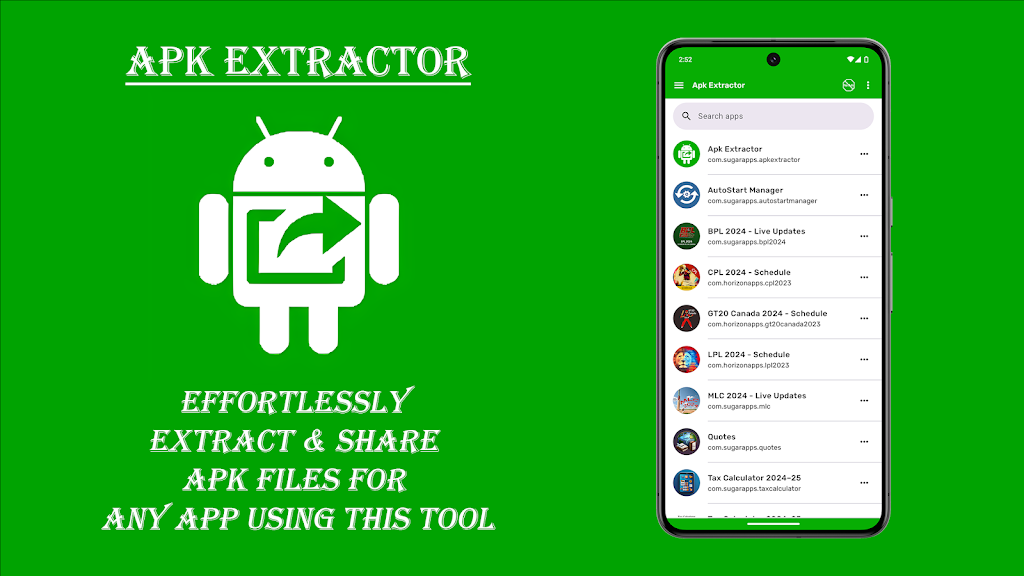
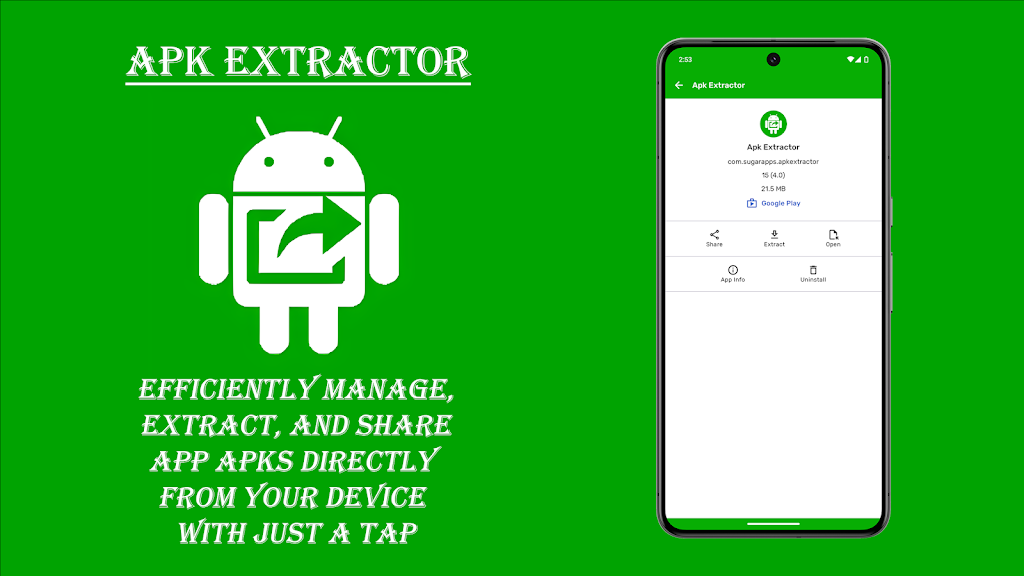
Apk Extractor turns an installed app into a file you can keep or send. Built for people who already know why they want the APK.
Three jobs, one list
Extract
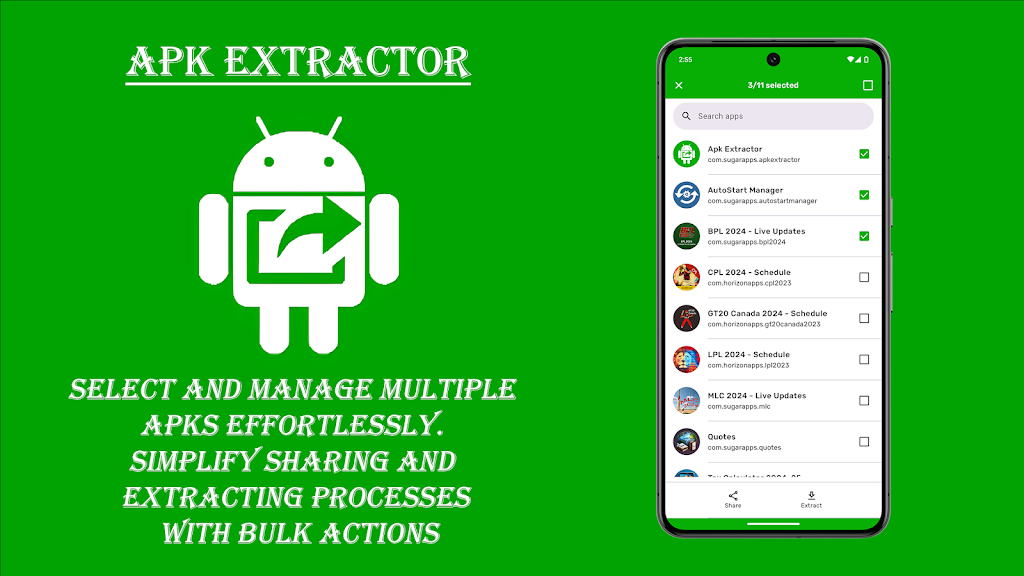
Pick installed apps and pull their APK. Fast enough that you do it twice without thinking.
Share
Send the file to another device, a drive, or a teammate who needs the same build.
Backup and restore
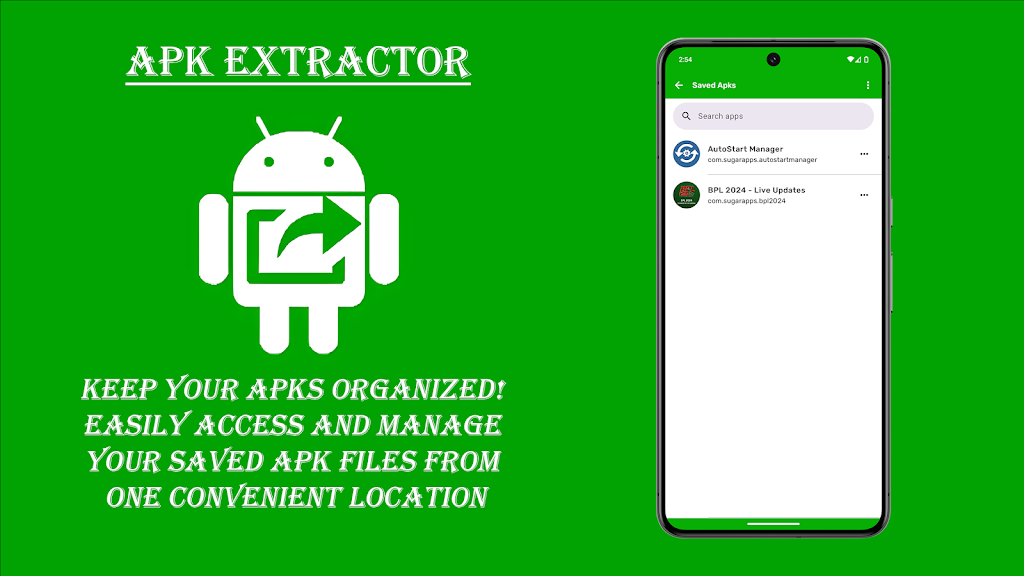
Keep a copy of apps you actually use — not a dump of everything you ever tried.
For people who already have a reason
Testers swapping builds. Friends on the same ROM. Anyone who has lost an app after a factory reset. This is not a store — it is a file tool with a short path from “installed” to “.apk”.
Inside the app
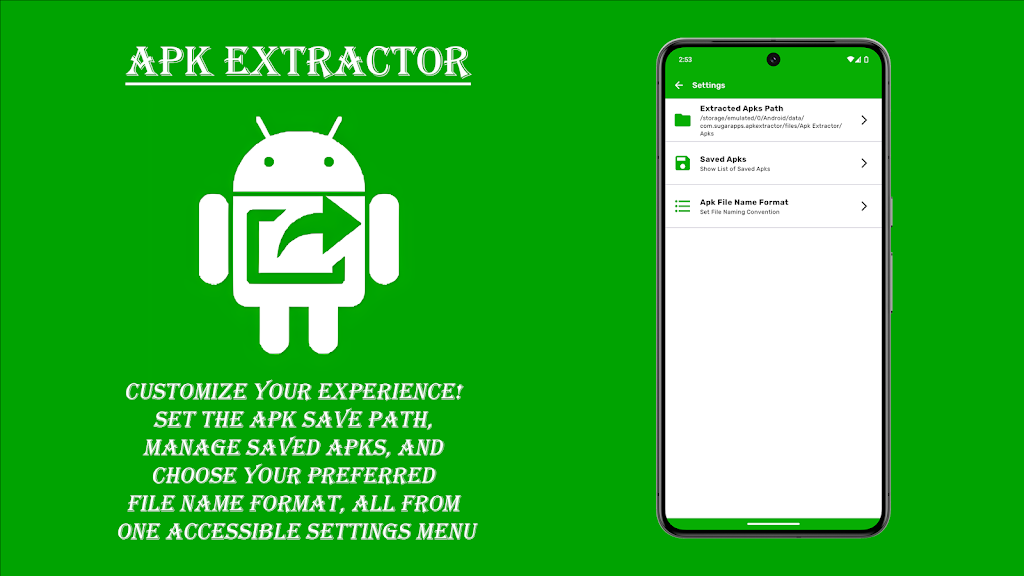
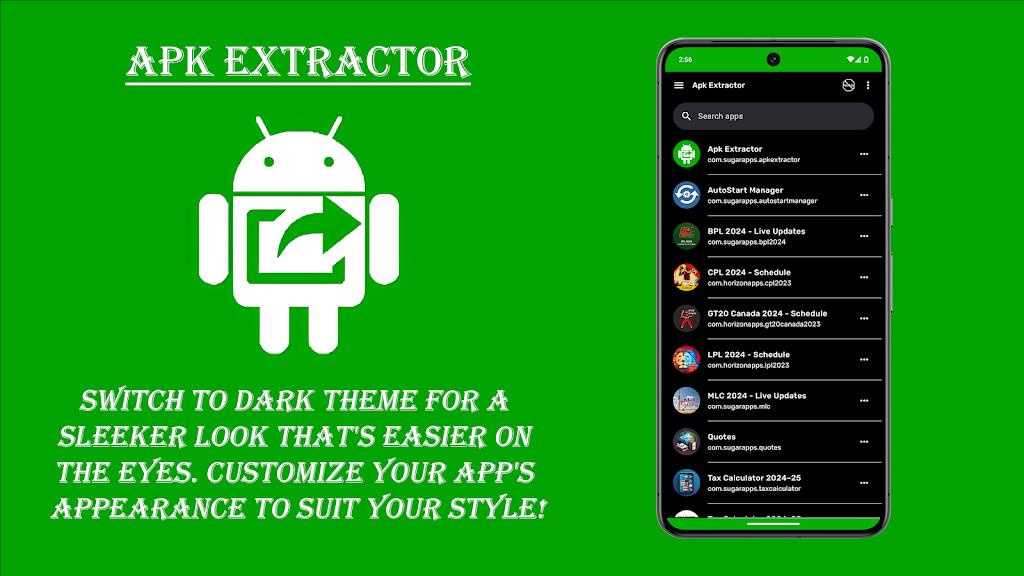
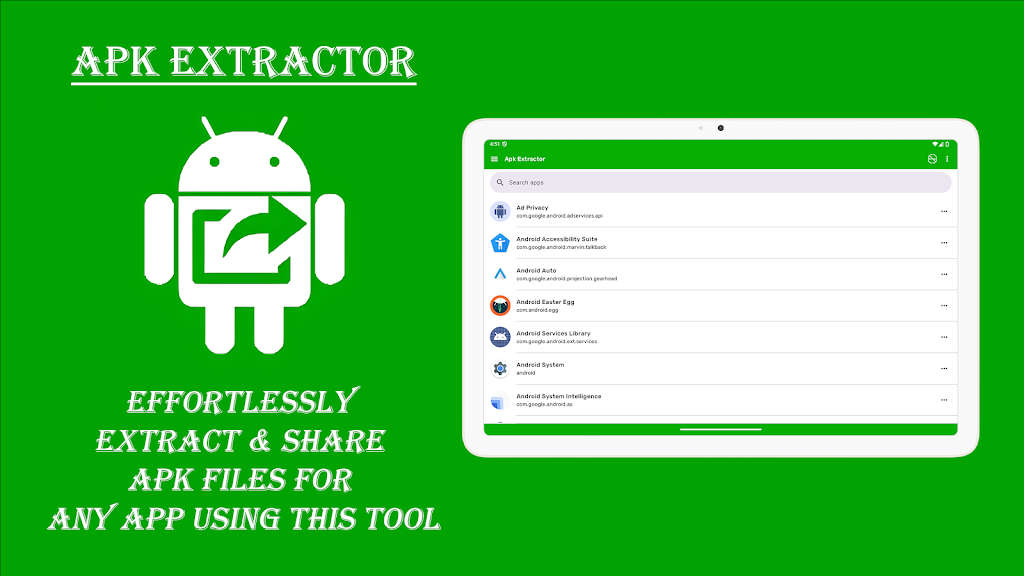
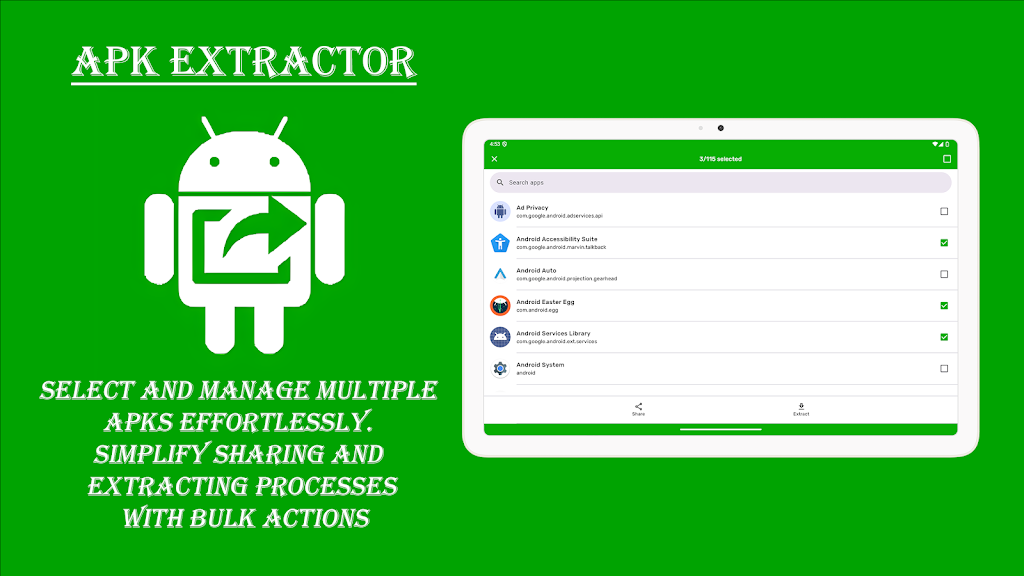
Questions
Where do extracted APKs go?
Onto storage on the device, in the location the app shows after extraction. You can then share that file like any other. Check the Play listing for the current storage permission wording.
Can I share any app?
You can extract what is installed on your phone. Some apps are licensed, device-bound, or region-locked — sharing those can break terms you agreed to on Play. Use this for backups and your own devices.
Who is this for?
Power users, testers, and people who reinstall often. If you have never needed an APK file, you probably still do not.


 Apk Extractor