
Control what launches on boot.
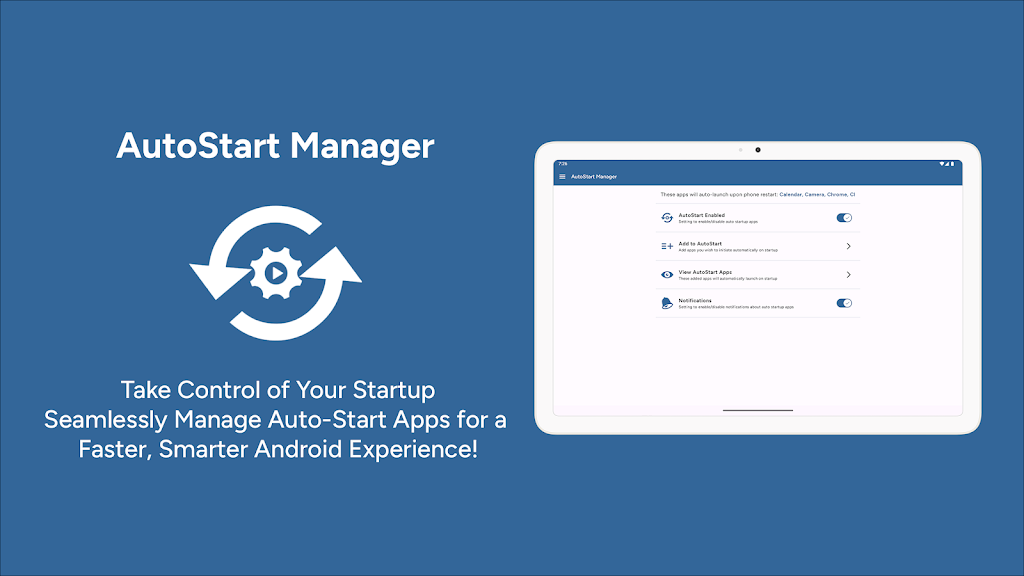
AutoStart App Manager shows the apps that wake with your phone — and lets you switch them off. A quieter startup, on purpose.

How autostart works on Android
After a reboot, Android (and often the manufacturer) starts a list of apps before you unlock the screen. Some of those are useful. Many are leftover from an install you forgot about. AutoStart lists them so you can decide — not guess from a spinning boot animation.
What you can disable
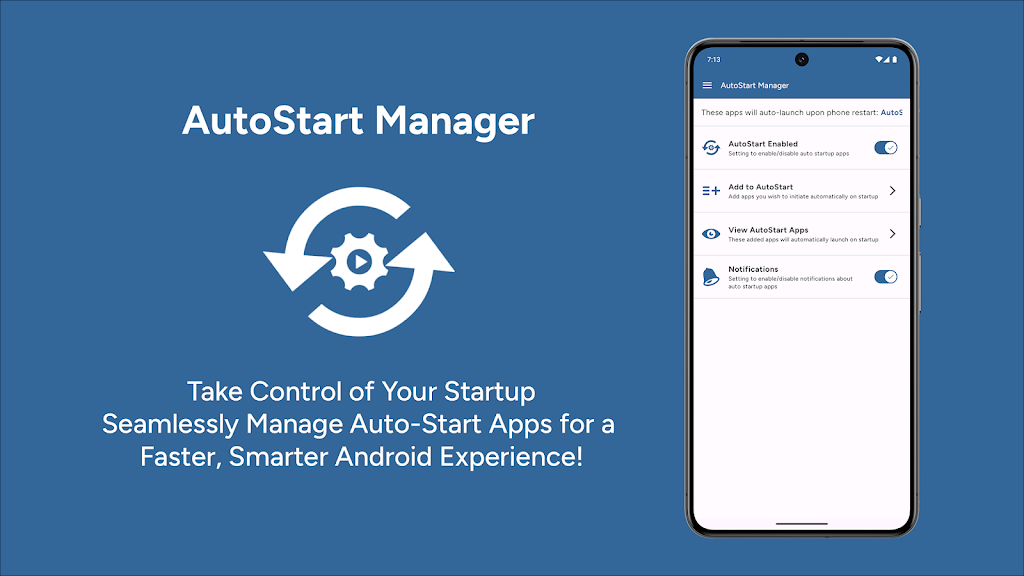
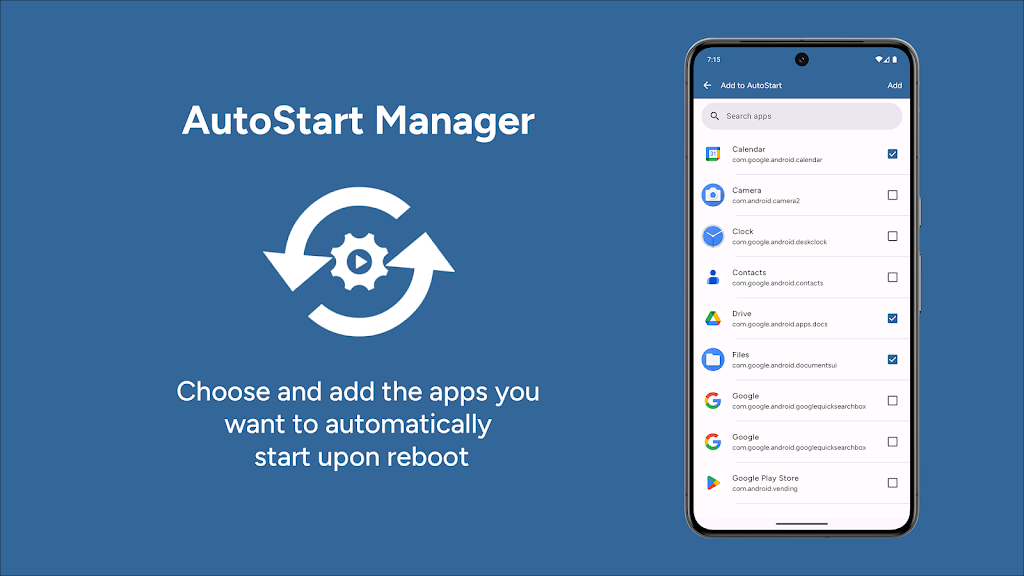
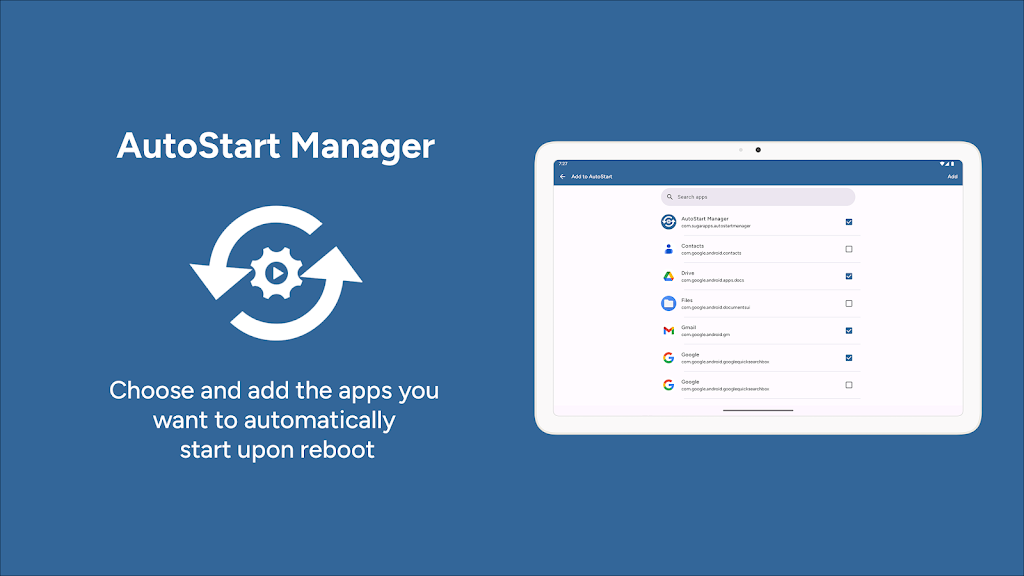
Pick what boots
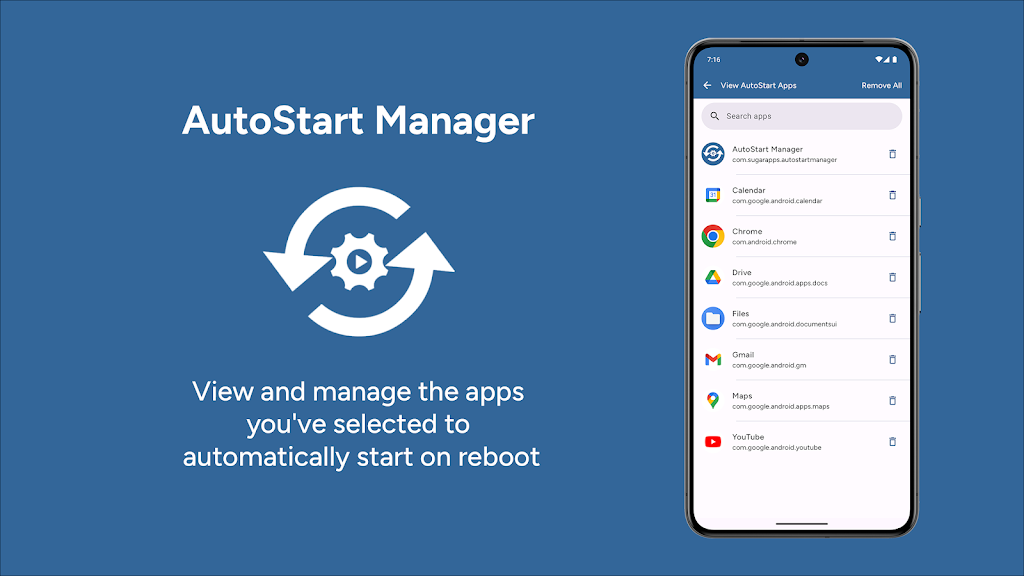
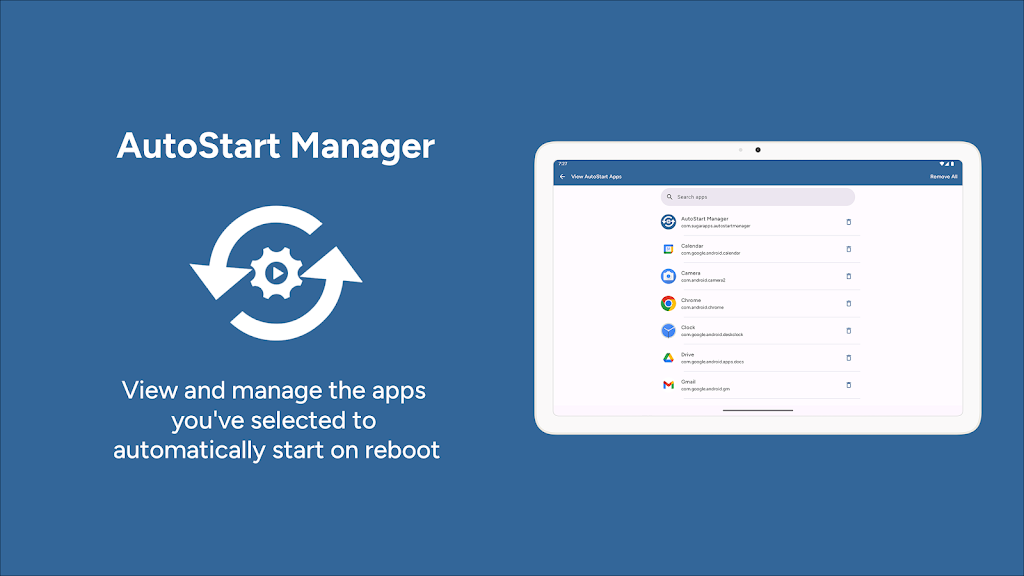
See which apps launch on startup and turn off the ones you never asked for.
Startup that feels lighter
Fewer background launches after reboot — the payoff is a phone that is ready sooner.
Lists you can move
Import, export, backup, and restore so a new device does not mean starting from scratch.
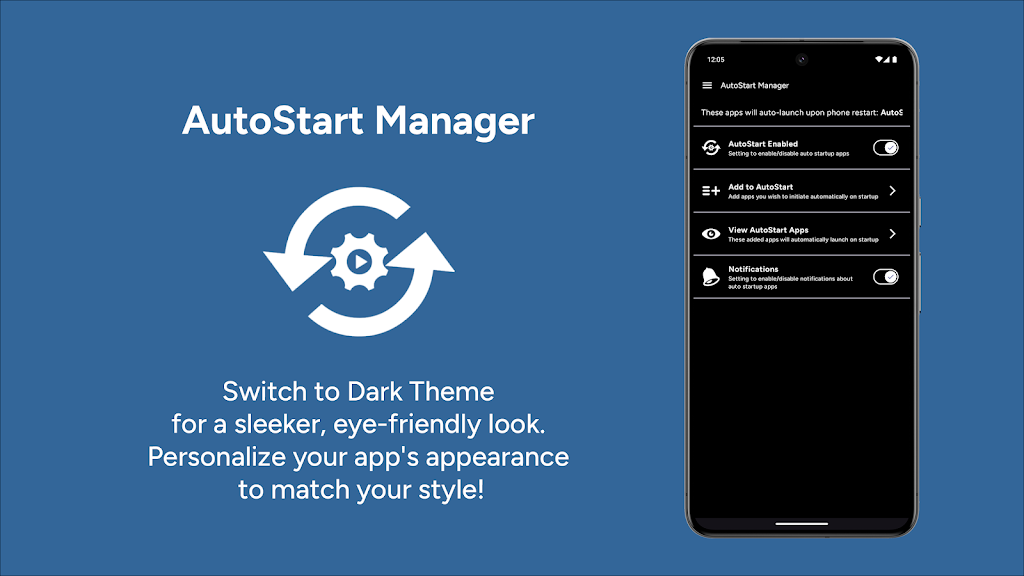
Inside the app
Questions
What permissions does it need?
AutoStart needs access to the list of installed apps so it can show what is set to launch on boot. That work happens on the device. The Play listing is the source of truth for the current permission set.
Why does my phone still start some apps?
Manufacturers add their own autostart rules. Xiaomi, Oppo, Vivo, Samsung, and others can ignore or override what a third-party manager requests. The app is honest about that: it helps on stock-like Android and fights OEM extras where Android allows it.
Will this drain battery?
The point is the opposite: stop apps from waking the radio and CPU at boot. If an OEM keeps a system process alive, that is outside what a Play app can fully silence.


 AutoStart App Manager